

TL;DR
You don’t need to be a “prompt engineer” to get real value from AI. These 20 copy-paste prompts cover writing, learning, productivity, creativity, and everyday decisions — pick one, paste it into ChatGPT or Claude, and start there.
If you’ve ever stared at a blank AI chat box thinking, “Okay, but what do I actually type?” — you’re not alone. Most people know AI tools exist. Very few beginners know how to talk to them in a way that produces something genuinely useful.
Here’s the good news: you don’t need to be a tech wizard to get real value out of AI. You need a handful of solid starter prompts and the confidence to hit send. That’s exactly what this post gives you.
If you want the deeper “why” behind what makes a prompt work, my full guide to prompt engineering covers that. For now, below are 20 beginner-friendly prompts organized by what you’re actually trying to do — copy, paste, adjust the bracketed part, and go.
These prompts work with ChatGPT, Claude, Gemini, Copilot, and most modern AI assistants — the wording matters far more than which tool you paste it into.
| Goal | Prompts |
|---|---|
| Writing & Communication | #1–4 |
| Learning Something New | #5–8 |
| Everyday Productivity | #9–12 |
| Creativity & Ideas | #13–15 |
| Personal Life & Problem Solving | #16–20 |
Category 1: Writing & Communication
Whether it’s an email, a caption, or a message you’re not sure how to word — AI is genuinely good at putting words together. Start here.
1. Rewrite an Email to Sound More Professional
You wrote something and it doesn’t quite feel right. Paste your draft and let AI clean it up.
“Rewrite this email to sound more professional and polished, while keeping the same meaning: [paste your email].”
Swap “professional” for “friendly,” “casual,” or “confident” depending on your tone.
2. Write a Bio About Yourself
Bios are awkward to write alone. Give AI a few facts and let it craft a natural introduction.
“Write a short professional bio about me in the third person. Key details: [name, role, a few interests or achievements].”
Ask for a 50-word version for social media, or a longer one for a website.
3. Apologize Without Making It Awkward
You know you owe someone an apology but can’t find the words.
“Help me write a sincere but not over-the-top apology to [friend/colleague/client] for [briefly describe what happened].”
4. Write a Social Media Caption
Captioning your own content is harder than it looks.
“Write 3 Instagram caption options for a photo of [describe the moment]. Natural and slightly witty — not salesy.”
Ask for hashtag suggestions at the end too.
Category 2: Learning Something New

AI is like having a patient tutor available anytime. These prompts turn complicated topics into plain-English explanations.
5. Explain Something Like You’re Five
A classic for a reason — it forces AI to strip out jargon.
“Explain [topic] like I’m five years old with no background in the subject.”
Try it with blockchain, compound interest, or machine learning.
6. Create a Quick Study Guide
Prepping for an interview, an exam, or a new skill — this builds you a roadmap.
“Create a beginner’s study guide for [topic]. Break it into stages: what to learn first, what’s next, and key concepts at each stage.”
Add “include free resources” and it’ll often suggest sites or YouTube channels.
7. Understand a Term You Heard But Don’t Get
Stop nodding along in meetings without really following.
“What does [term] mean in simple terms? Give me an everyday example that makes it easy to remember.”
8. Compare Two Things Side-by-Side
For when you need a clearer picture before deciding.
“Compare [Option A] and [Option B] in simple terms. Main differences, and which is better for a beginner?”
You’re already halfway there — the best prompt is the one you actually use.
Category 3: Everyday Productivity

These are the prompts that quietly save you hours every week.
9. Summarize a Long Article or Text
“Summarize the following text in 5 bullet points, highlighting only the most important ideas: [paste your text].”
10. Turn Messy Notes Into Action Steps
“Here are my rough notes from today. Organize them into clear action items, grouped by priority: [paste notes].”
Ask for a checklist format if you want something to actually tick off.
11. Plan Your Week
“I need to accomplish these tasks this week: [list tasks]. Help me build a realistic daily plan, Monday to Friday, assuming ~5 focused hours a day.”
Be honest about your real available hours — AI adjusts accordingly.
12. Draft a To-Do List for a Project
“I want to [describe your project or goal]. Create a step-by-step to-do list to help me complete it as a complete beginner.”
Category 4: Creativity & Ideas

Creative blocks are real. These act as a spark when your own brain won’t cooperate.
13. Brainstorm Ideas in Seconds
“Give me 10 creative ideas for [your topic or goal]. I’m a beginner, so keep them realistic and easy to start with.”
Add “I have no budget” or “one hour a day” for more practical results.
14. Write a Short Story From a Simple Idea
“Write a short, entertaining 3-paragraph story about [your idea]. Light, engaging tone.”
15. Come Up With a Name for Something
“Suggest 10 creative name ideas for [what you’re naming]. Memorable and easy to say.”
Tell it the vibe: “playful,” “professional,” or “warm.”
Category 5: Personal Life & Problem Solving
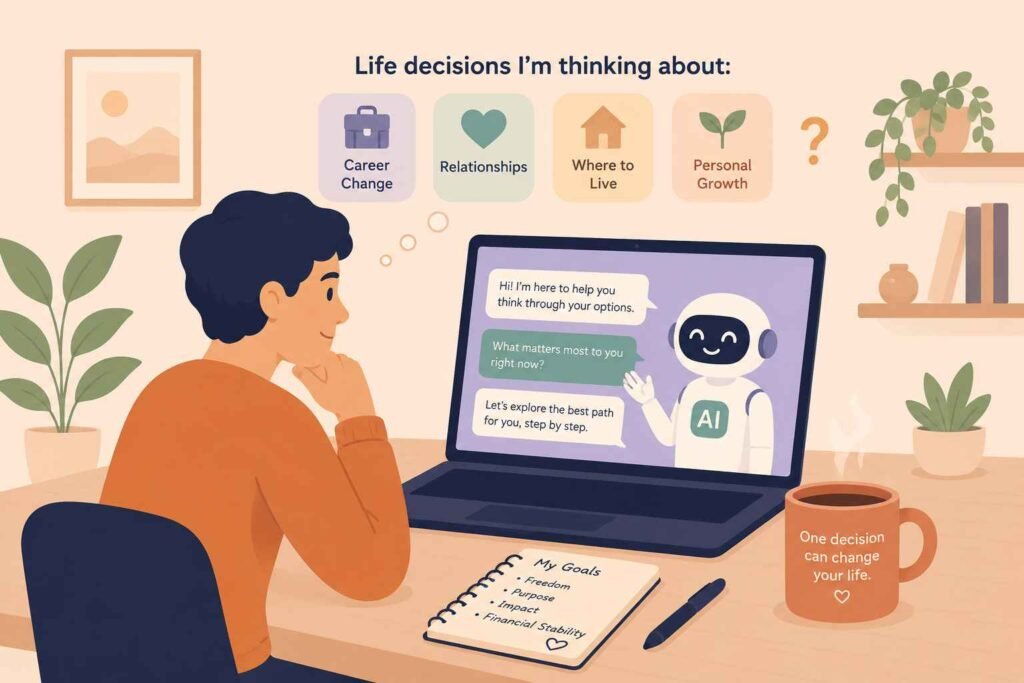
AI isn’t just for work. It can be a genuinely useful thinking partner for everyday decisions too.
16. Get a Different Perspective on a Problem
“I’m dealing with this: [describe briefly]. What am I possibly getting wrong, and what would a calmer, more objective person suggest?”
17. Plan a Meal for the Week
“Create a simple 5-day meal plan for one person. I prefer [dietary preferences]. Keep meals easy with basic ingredients.”
Ask it to add a grocery list — it handles that well too.
18. Prepare for a Job Interview
“I have an interview for a [job title] position. Ask me 5 common questions one at a time, and give me feedback after each answer.”
This is interactive — the AI actually quizzes you.
19. Help You Decide Between Two Options
“I can’t decide between [Option A] and [Option B]. Context: [brief situation]. Help me think through the pros and cons of each.”
20. Build a Simple Budget Plan
“I earn [monthly income]. My fixed expenses are [list them]. Help me create a simple monthly budget with room for savings.”
Rough estimates work just as well as exact numbers.
3 Quick Tips to Make Every Prompt Work Better

- Be specific. Instead of “write a caption,” try “write a caption for a photo of me hiking at sunrise, feeling proud.”
- Refine, don’t restart. If the first answer isn’t right, just say “make it shorter” or “try again but funnier.”
- Add context. “I’m a beginner” or “this is for LinkedIn” helps the AI calibrate its response.
3 Beginner Prompt Mistakes
- Asking vague questions. “Help me with my resume” gets a vague answer. “Rewrite this resume bullet to sound more results-driven: [paste it]” gets a useful one.
- Expecting a perfect answer immediately. The first response is a draft, not a final product — refining is part of the process, not a sign you did it wrong.
- Starting a new chat instead of refining the conversation. AI remembers context within a conversation. Saying “make it shorter” in the same thread almost always beats starting over.
Key Takeaways
- Prompting doesn’t require special knowledge — just a willingness to start
- Specificity is the single biggest factor in getting a useful response
- You can always refine an answer instead of accepting the first draft
- These 20 prompts cover writing, learning, productivity, creativity, and everyday decisions
Frequently Asked Questions
Can I use these prompts with ChatGPT Free?
Yes — every prompt in this guide works on the free tiers of ChatGPT, Claude, and Gemini. No paid plan required to get started.
Do these prompts work in Claude?
Should I edit AI prompts to fit my situation?
Always. Treat the bracketed parts as a starting template — the more specific detail you swap in, the better the response.
What if AI gives a bad or generic answer?
efine instead of restarting. Try “be more specific,” “make it shorter,” or add context like “I’m a beginner” — small follow-ups usually fix it.
Can I save prompts I like for later?
Yes — keeping a simple note or doc of prompts that worked well for you is one of the easiest ways to get faster over time.
The Only Prompt That Doesn’t Work Is the One You Never Send
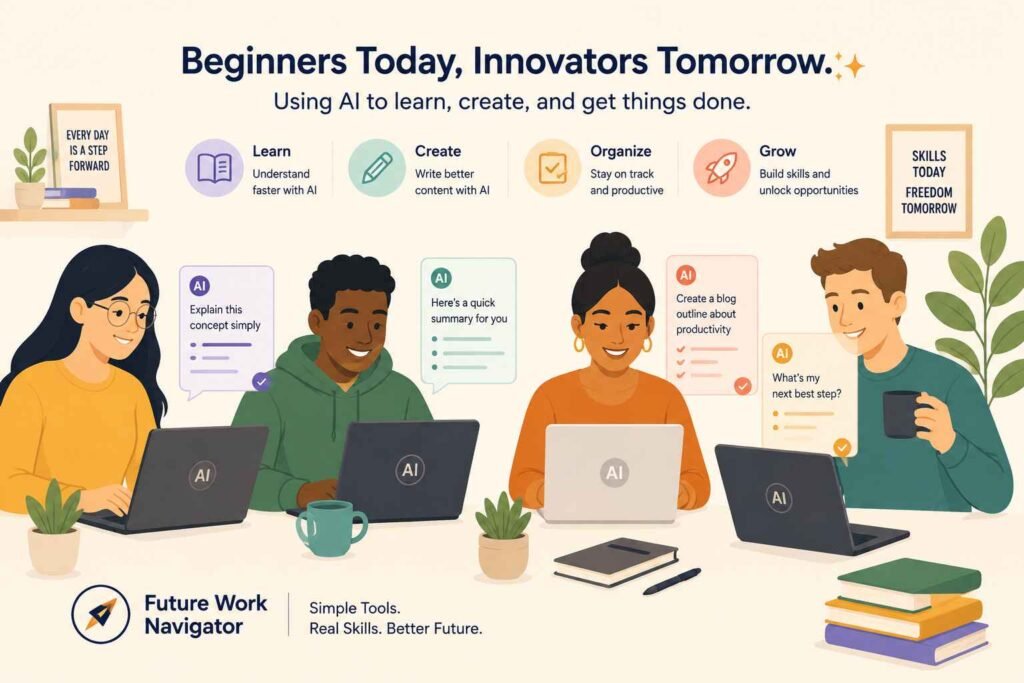
Pick one prompt from this list right now. Just one. Open ChatGPT or Claude, paste it in, and see what happens. The first attempt might surprise you, the second will feel natural, and by the tenth you’ll wonder how you managed without it.
As you get more comfortable, you’ll naturally start editing these prompts and building your own — that’s when it really gets fun. For now, just start somewhere. That’s all prompting is.